chart for Tessel

A Tessel library

Charts for Tessel programs.

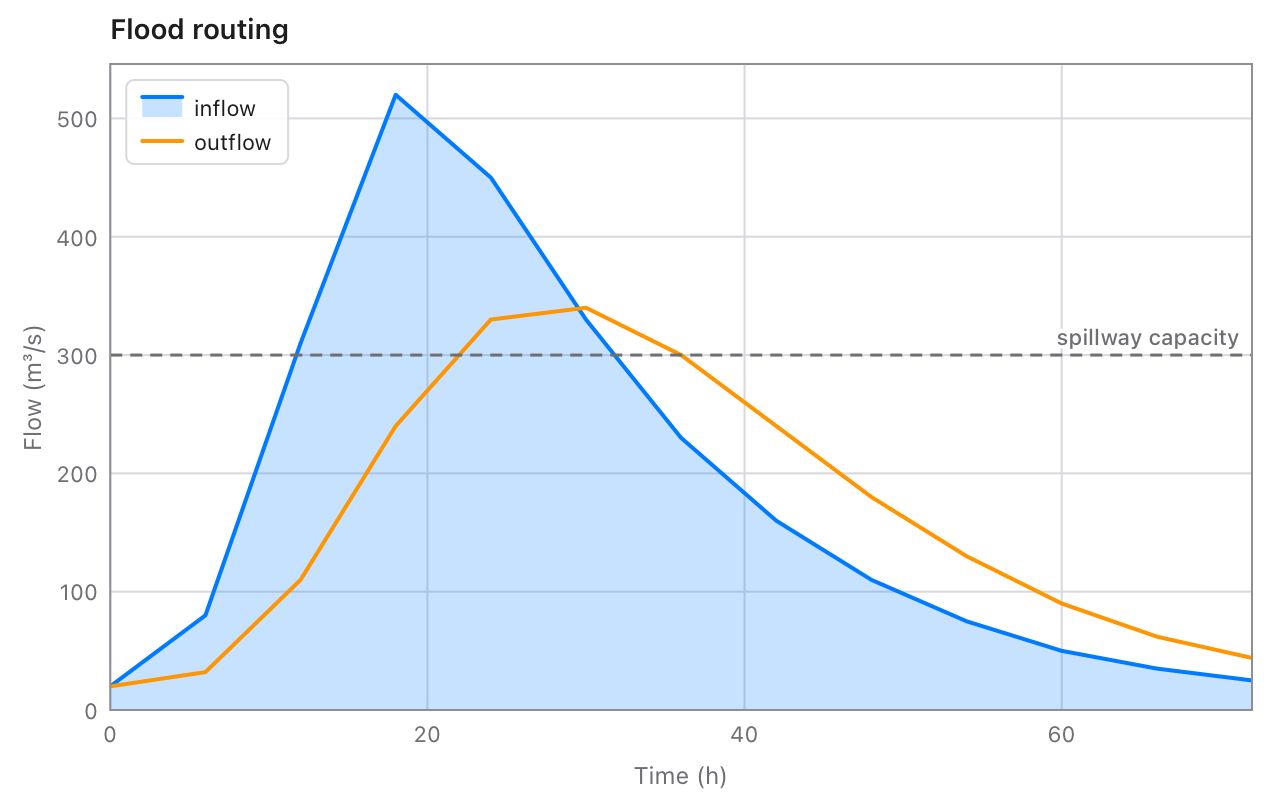
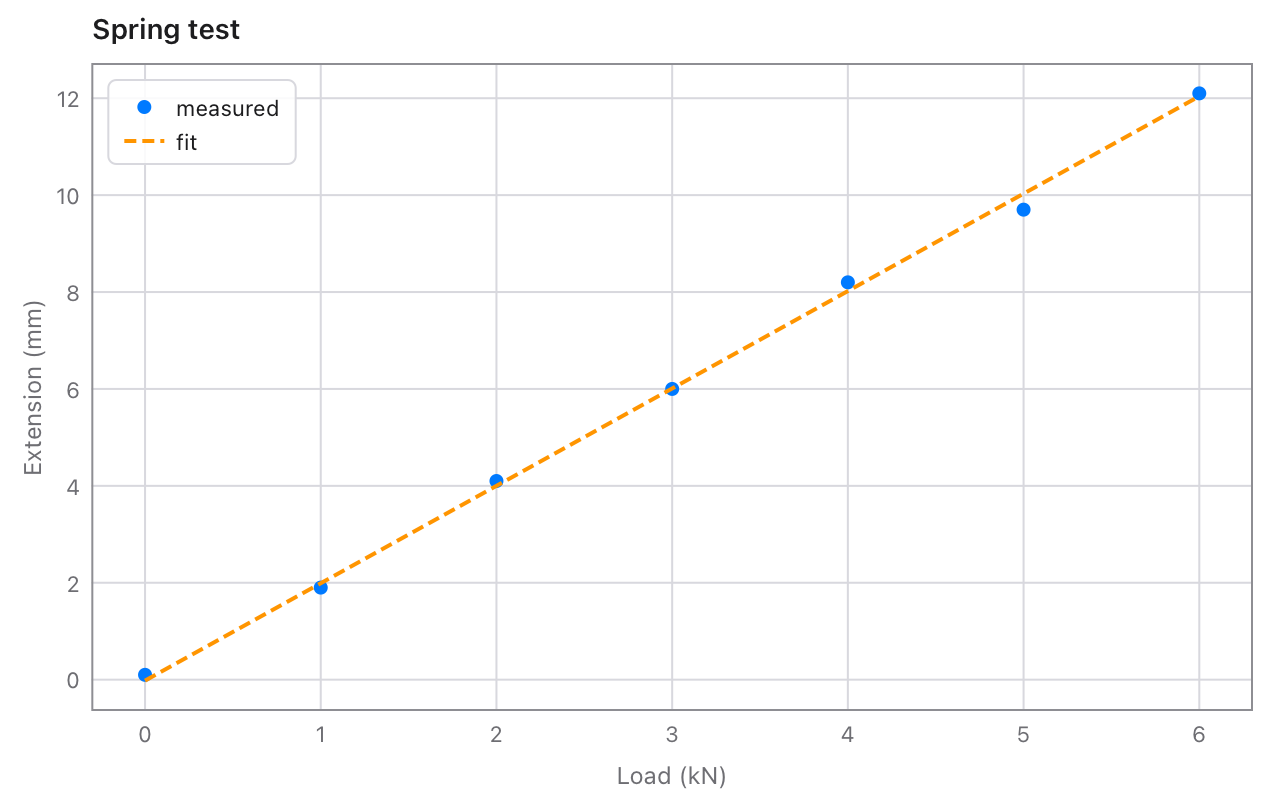
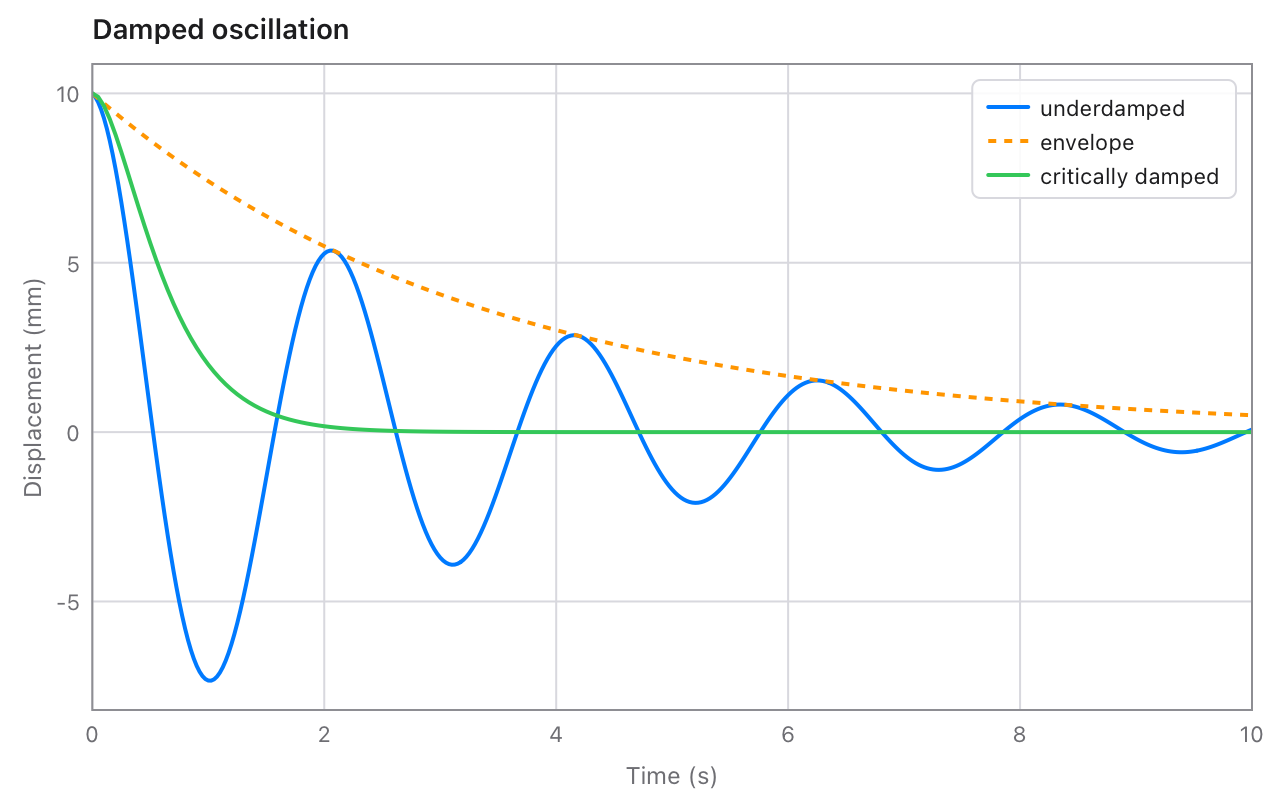
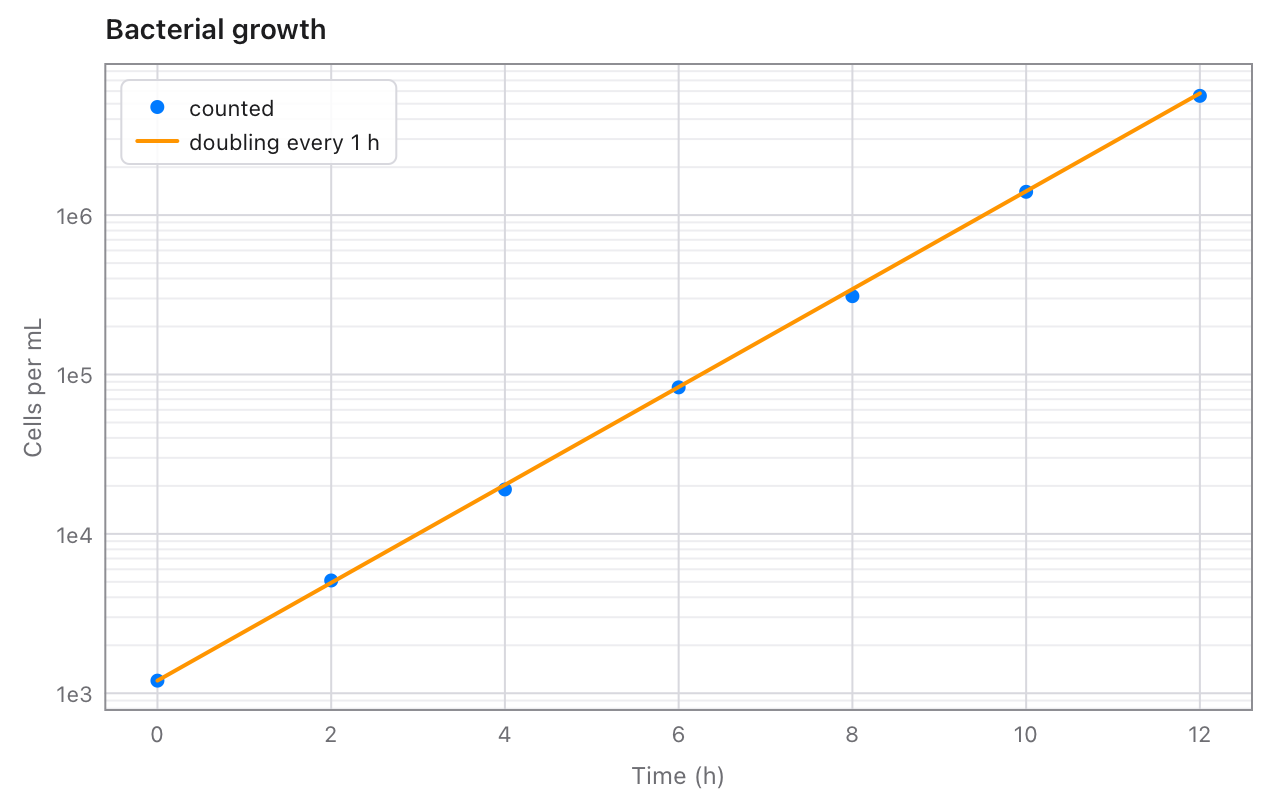
Lines, dots, areas and bars, on linear or log axes, with ticks, titles and a legend worked out for you. Draw one into a Canvas, or save it as a PNG or a PDF from a program with no window at all.

tessel add chart

MIT licence · Tessel 0.10 or later · no dependencies

A Tessel window showing a cooling curve, with a red dot and its reading where the mouse is

Getting started

Add the library to a project, make a chart.Chart, add data, and save or draw it. A chart is a plain value: build it with var, and make a new one whenever the data changes.

tessel add chart
import chart

fn main() {
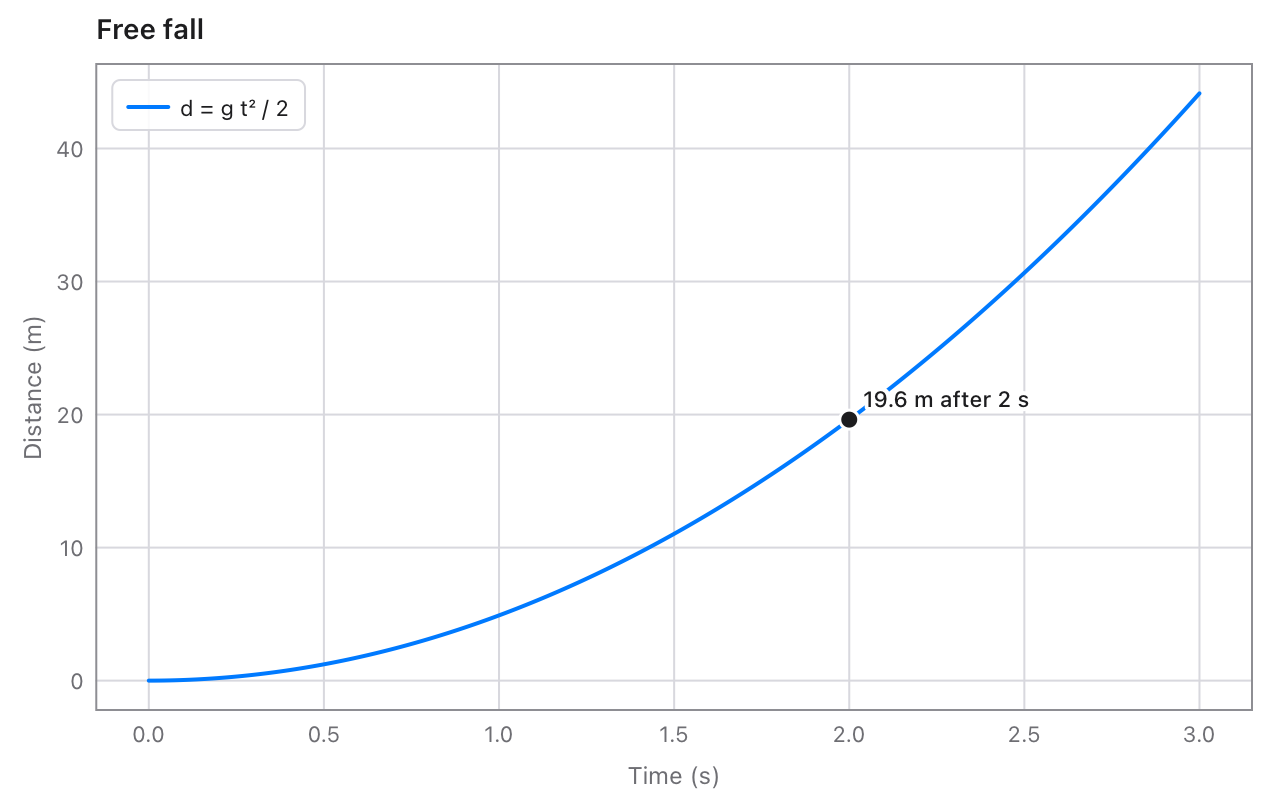
    var c = chart.Chart(title: "Free fall", xLabel: "Time (s)", yLabel: "Distance (m)")
    c.function(from: 0, to: 3, name: "d = g t² / 2") { t in 9.81 * t * t / 2.0 }
    c.point(x: 2, y: 19.62, label: "19.6 m after 2 s")
    c.savePNG("fall.png")
}
The free fall chart the code saves
Worked-out axesRound ticks (1, 2 or 5 × 10ⁿ), labels with just enough decimals, and ranges taken from the data.
Screen, PNG and PDFThe same chart draws in a window, saves a sharp PNG, or a PDF that stays crisp at any size.
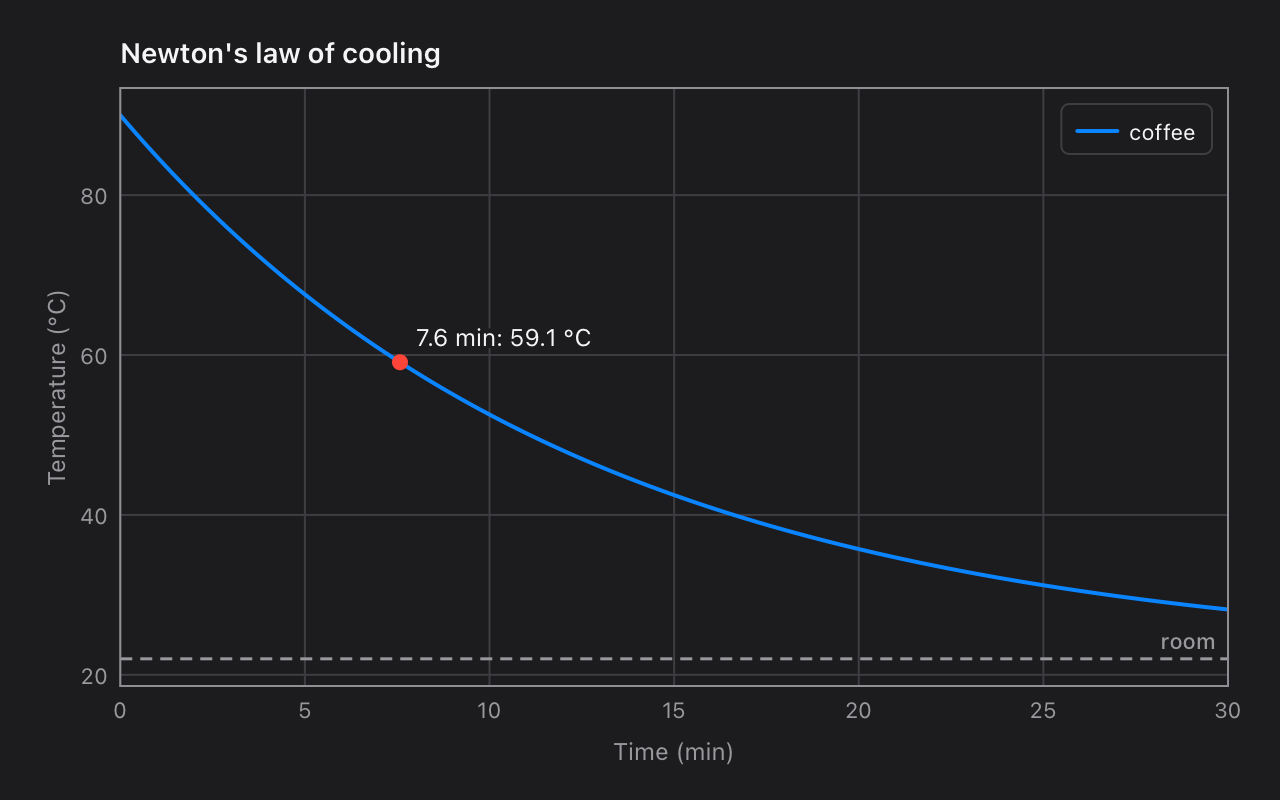
Light and darkIn a window, a chart follows the system appearance by itself.

In a window

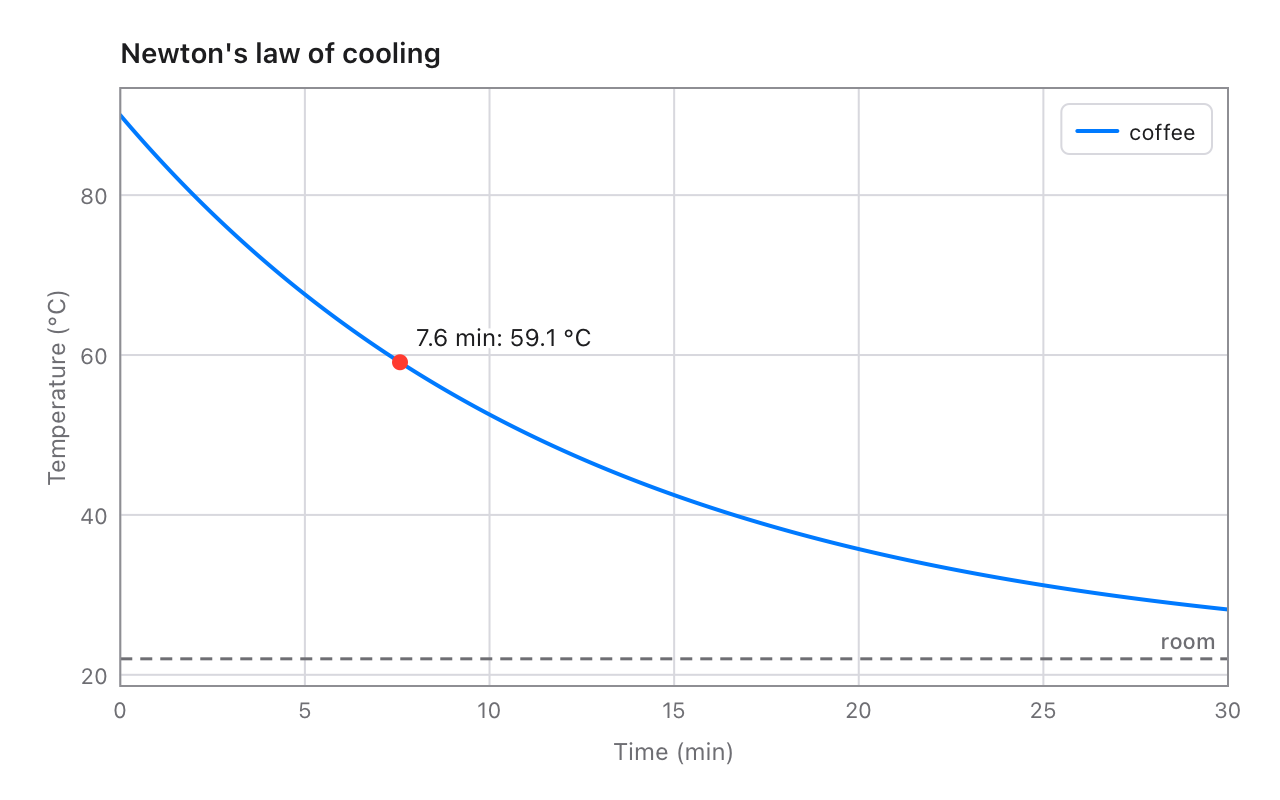
draw returns the chart's Frame. It turns data into points for drawing on top, and points back into data for reading the value under the mouse.

import chart

// A chart in a window, with a readout that follows the mouse.
app Cooling(title: "Cooling", width: 640, height: 400) {
    state mouseX: Float = -1.0

    Canvas { g in
        var c = chart.Chart(title: "Newton's law of cooling", xLabel: "Time (min)", yLabel: "Temperature (°C)")
        c.function(from: 0, to: 30, name: "coffee") { t in 22.0 + 68.0 * exp(-0.08 * t) }
        c.horizontalLine(22, label: "room")
        let f = c.draw(g)
        // The mouse's position, turned into a time on the chart.
        let t = f.xAt(mouseX)
        if t >= 0.0 && t <= 30.0 {
            let temp = 22.0 + 68.0 * exp(-0.08 * t)
            g.fillCircle(x: f.px(t), y: f.py(temp), radius: 4, color: .red)
            g.text("{t.formatted(decimals: 1)} min: {temp.formatted(decimals: 1)} °C", x: f.px(t) + 8.0, y: f.py(temp) - 6.0, size: 12, align: .bottomLeading, halo: .background, haloWidth: 2.0)
        }
    }
    .onPointer { e in
        mouseX = e.x
    }
    .padding(12)
}
The cooling app in the light appearance
The same window in the dark appearance

Reference

Everything but the data is optional. A series with a name is listed in the legend; one with no color gets the next of the chart's colours. A value that is NaN, or 0 or less on a log axis, breaks the line there.

What goes on a chart

MethodDraws
line(xs, ys, name:, color:, width:, dash:, markers:)A line through the points, in order. dash: [6, 3] makes it dashed; markers: true puts a dot on each point.
scatter(xs, ys, name:, color:, size:)A dot at each point.
area(xs, ys, name:, color:, width:)A line with the space down to the x axis (to 0, when 0 is on it) lightly filled.
bars(labels, values, name:, color:)A bar for each category. Several bars calls stand side by side.
function(from:, to:, steps:, name:, …) { x in … }The line of y = f(x).
horizontalLine(y, label:, color:)A dashed level across the chart, named at its right end.
verticalLine(x, label:, color:)A dashed line up the chart, named at its top.
point(x:, y:, label:, color:)A dot with a label beside it.

The chart's settings

They're the Chart's fields: give them when you make it (in this order), or set them afterwards.

Field
title, xLabel, yLabelThe title, and what each axis shows.
xMin, xMax, yMin, yMaxThe axes' ranges. Left out, each is worked out from the data: lines fill the width exactly, dots get a little room, the y axis gets 5% to spare, and bars and areas stand on 0.
xScale, yScale.linear, or .log for values over several powers of ten.
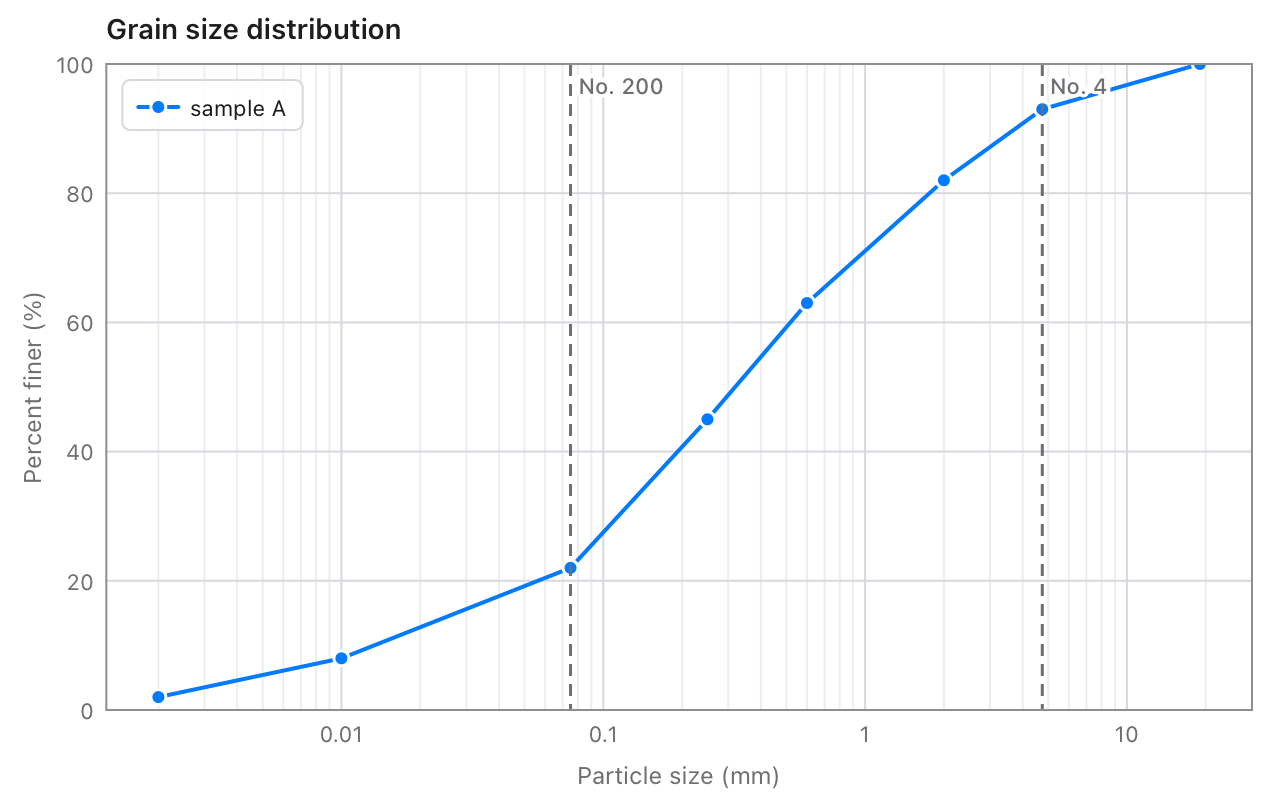
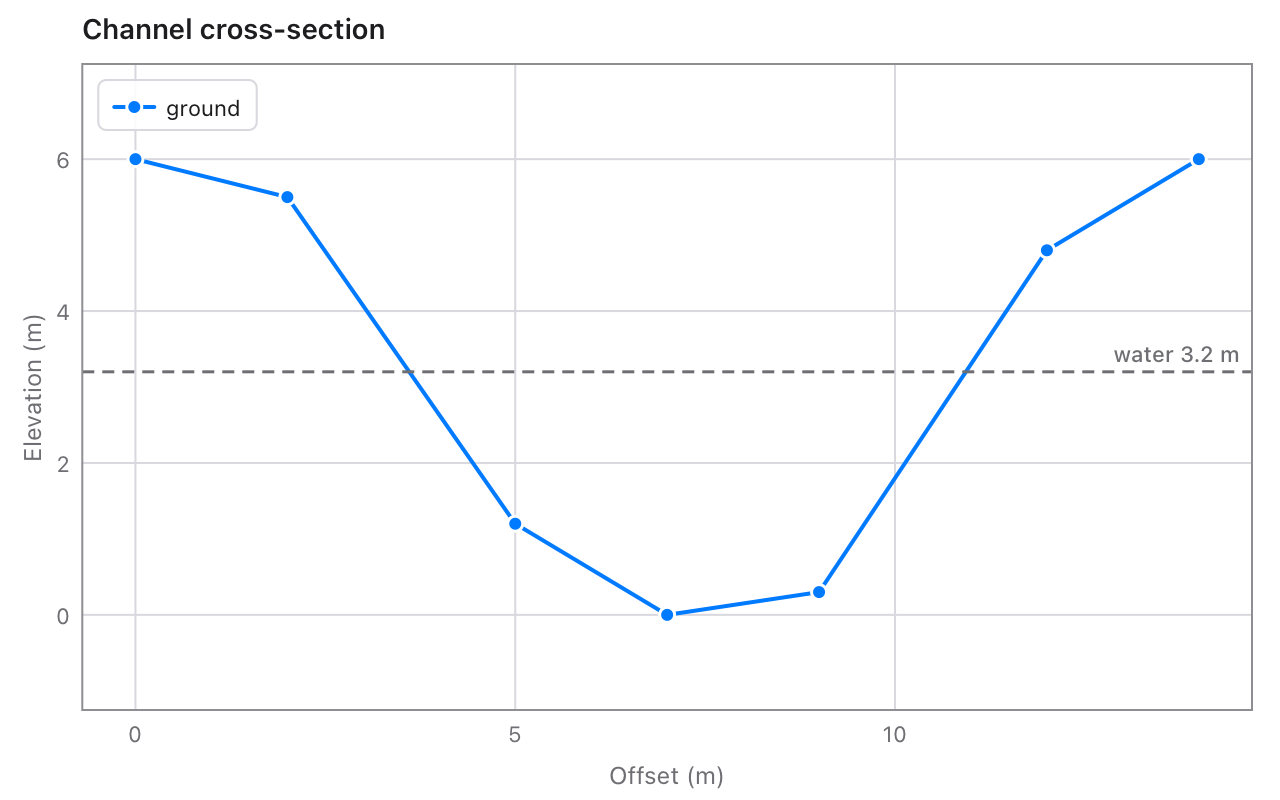
equalAspectA unit as long across as up, for maps and cross-sections.
gridLines across the plot at the ticks (on by default).
legend.automatic (the corner covering the least data), .topLeading, .topTrailing, .bottomLeading, .bottomTrailing or .hidden.
colorsThe colours series get in turn: blue, orange, green, red, purple, pink, gray, yellow.

Drawing and saving

Method
draw(g, x:, y:, width:, height:)Draws into a Canvas's (or renderImage's) Graphics: the whole canvas, or the rectangle given, so one canvas can hold several charts. Returns the Frame.
savePNG(path, width:, height:, scale:, background:)Saves a PNG (a JPEG if the path ends in .jpg), 720 × 450 points at 2 pixels per point unless you say.
savePDF(path, width:, height:)Saves a one-page PDF, with lines and text kept sharp at any size.
frame(g, x:, y:, width:, height:)The Frame that draw would use, without drawing.

Frames and ticks

A Frame's px(x) and py(y) turn data into canvas points, and xAt(px) and yAt(py) turn them back. It also has the plot area's left, top, width, height, right and bottom, and contains(px, py). For axes of your own, tickStep(span:count:), ticks(from:to:count:), logTicks(from:to:count:) and tickLabel(value, step:) are public too.

Mistakes

Data that doesn't fit together, like 5 x values with 4 y values, is a mistake in the code. It stops the program with a message:

chart: line got 5 x values but 4 y values: they must be as many